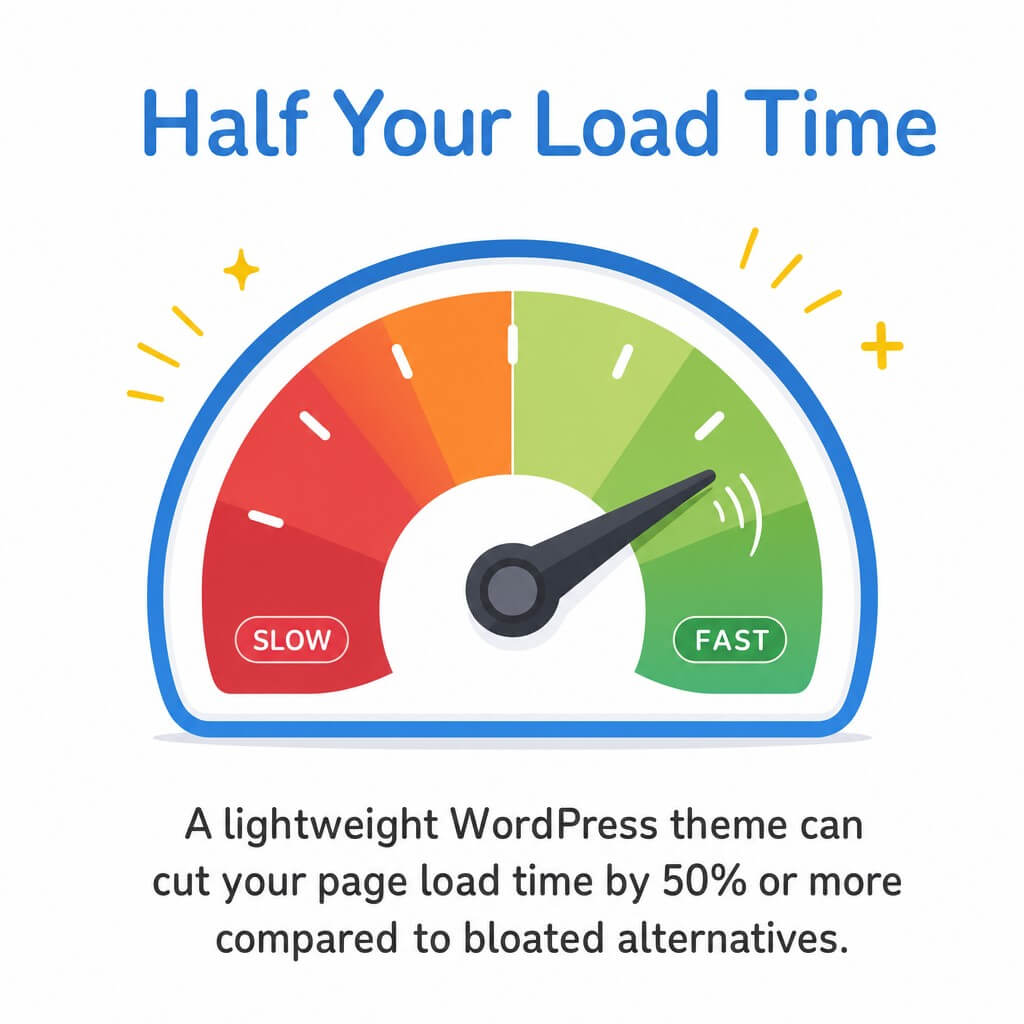
A lightweight WordPress theme can cut your page load time by 50% or more compared to bloated alternatives. The fastest themes load in under one second, achieve Largest Contentful Paint (LCP) scores below 1.2 seconds, and keep Total Blocking Time (TBT) under 150 milliseconds.
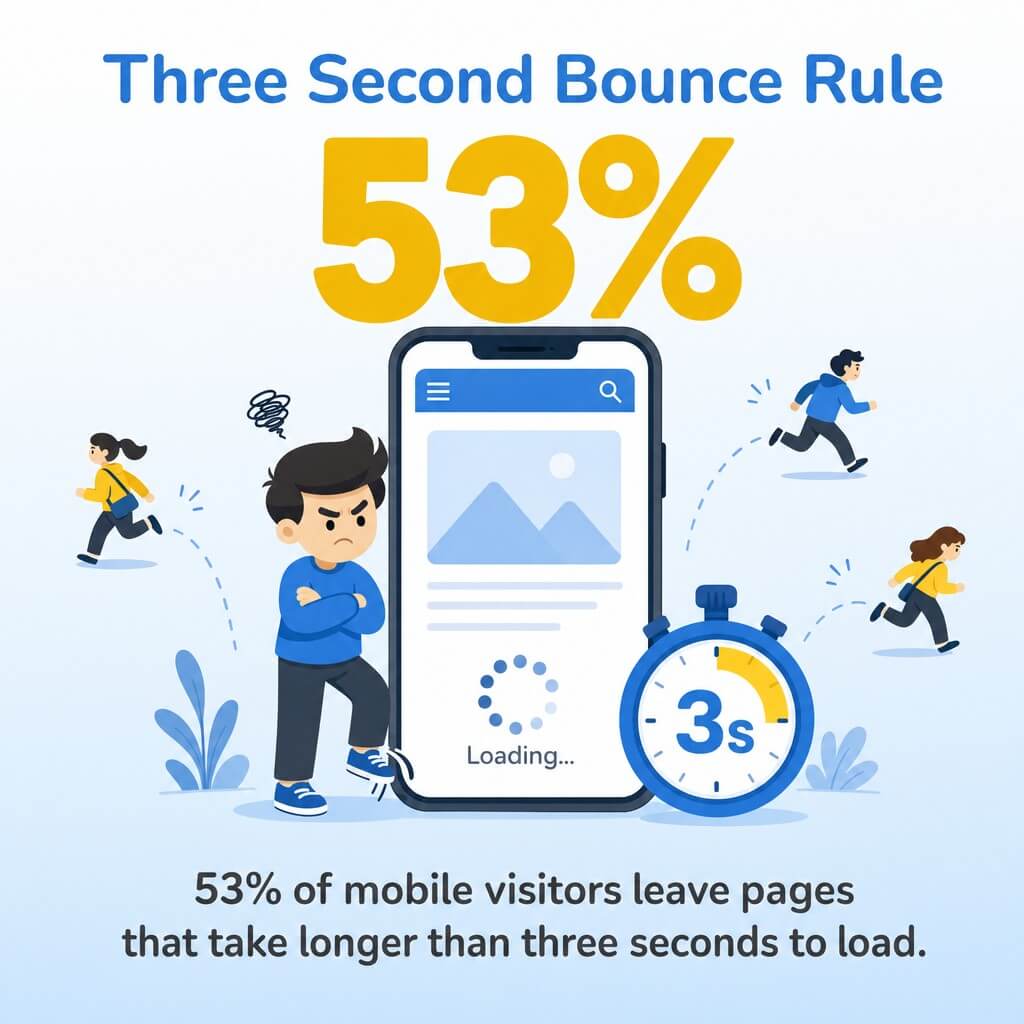
These performance gains directly impact your bottom line. 53% of mobile visitors leave pages that take longer than three seconds to load.
We know how frustrating slow WordPress sites can be. You have built something you are proud of, but visitors bounce before they even see your content.
Do not worry. We have tested dozens of lightweight WordPress themes to help you find the right fit. This guide walks you through everything you need to know about choosing and testing fast themes.
You will learn exactly which performance metrics matter, how to test themes properly, and which lightweight options deliver the best speed results in 2026. Whether you run a blog, business site, or online store, faster load times mean better user experience and higher search rankings.
Take a deep breath. We will guide you through each step so you feel confident making the right choice for your site.
What Makes a WordPress Theme Lightweight
A lightweight WordPress theme strips away unnecessary code and features. These themes focus on core functionality rather than bundled page builders or complex animations.
The difference comes down to code efficiency. Lightweight themes use minimal CSS and JavaScript files. They avoid loading resources your site does not need.
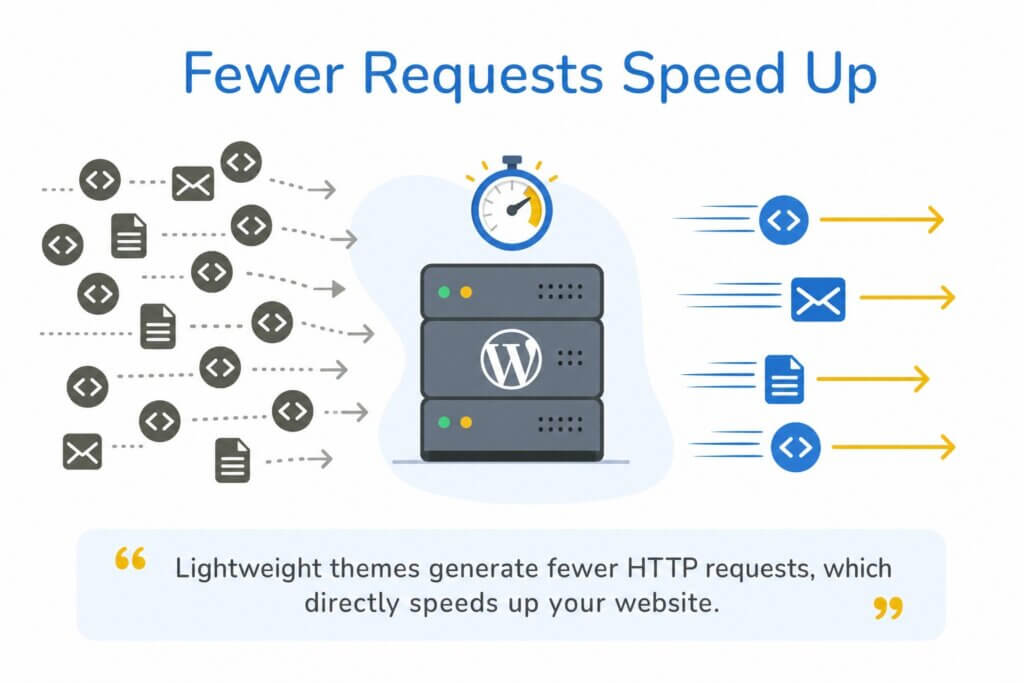
Lightweight themes generate fewer HTTP requests, which directly speeds up your website. Each request takes time. Fewer requests mean faster loading.
Core Characteristics of Fast Themes
Fast themes share several key features. They use clean, valid HTML5 and CSS3 code. They minimize JavaScript dependencies and avoid jQuery when possible.
These themes also embrace modern WordPress standards. They support the Gutenberg block editor natively. They follow WordPress coding standards exactly.
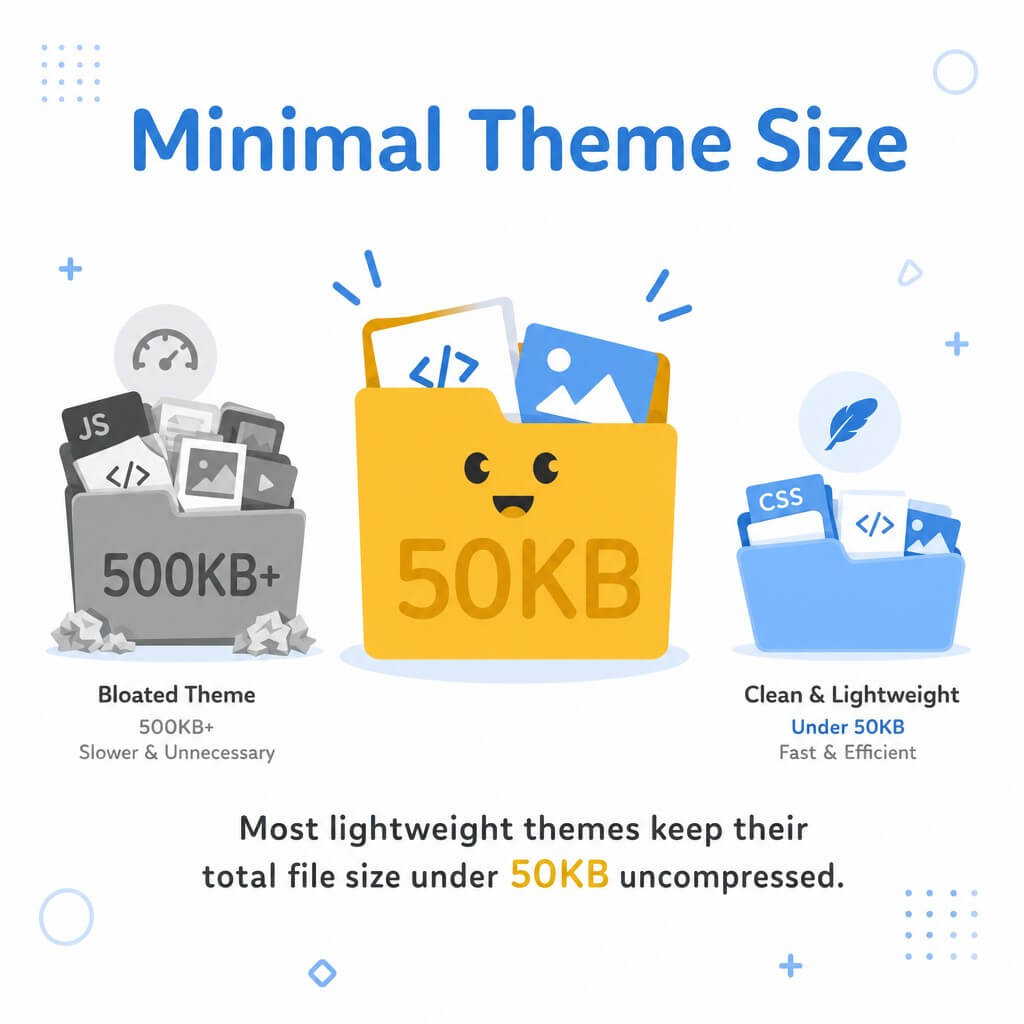
Most lightweight themes keep their total file size under 50KB uncompressed. Compare that to feature-heavy themes that can exceed 500KB before you add any content.
What Gets Removed from Lightweight Themes
Lightweight themes skip the bells and whistles. You will not find bundled page builders like Elementor or WPBakery. No built-in mega menus or complex slider systems.
They also exclude unused CSS frameworks. Many bloated themes load Bootstrap or Foundation even when only using 10% of the code. Lightweight alternatives write only the CSS they actually need.
Animation libraries get cut too. No preset parallax effects or JavaScript animation packages. If you need those features, you add them selectively through plugins.
How Lightweight Themes Handle Customization
Simple does not mean limited. Quality lightweight themes still offer solid customization through the WordPress Customizer. You get color controls, typography options, and layout settings.
The difference is implementation. Instead of visual drag-and-drop builders, you work through WordPress native interfaces. This keeps the code lean while maintaining flexibility.
Many lightweight themes include starter templates. These templates give you pre-designed layouts you can import and customize. You get professional designs without the code bloat.

How We Test WordPress Themes for Performance
Now that you understand what makes themes lightweight, you need to know how to measure their actual performance. We use a consistent testing methodology to ensure fair comparisons.
Performance testing requires a controlled environment. We install each theme on a fresh WordPress installation with no plugins. This creates a baseline for accurate measurements.
Our Testing Environment Setup
Every theme gets tested on the same server configuration. We use a standard shared hosting environment that mirrors what most WordPress users experience. No special optimization or premium hosting advantages.
The test site includes representative content. We add 10 blog posts with featured images, create sample pages, and populate menus. This simulates a real website rather than an empty installation.
We clear all caches before each test. No server-side caching, no browser cache, no CDN. Just the theme and WordPress core.
Performance Metrics We Monitor
Core Web Vitals form the foundation of our testing. These metrics directly impact Google search rankings and user experience.
Largest Contentful Paint (LCP) measures when the main content becomes visible. Good LCP scores fall below 2.5 seconds. Great scores hit under 1.2 seconds.
Total Blocking Time (TBT) shows how long the page remains unresponsive. Lower numbers mean visitors can interact with your site faster. We aim for TBT under 200 milliseconds.
Time to Interactive (TTI) tells us when the page becomes fully usable. This includes all JavaScript loading and executing. Fast themes achieve TTI under 3 seconds.
We also measure First Contentful Paint, Cumulative Layout Shift (CLS), and Time to First Byte (TTFB). Each metric reveals different aspects of performance.
Testing Tools We Use
GTmetrix provides detailed performance reports. We run three tests per theme and average the results. This accounts for normal server variation.
PageSpeed Insights gives us Google’s perspective. The tool reports both lab data and field data when available. We focus on mobile performance since most traffic comes from phones.
We supplement these with Chrome DevTools for deeper analysis. The Performance panel shows exactly where themes spend loading time. The Coverage tool reveals unused CSS and JavaScript.
| Performance Metric | Good Score | Needs Improvement | Poor Score |
|---|---|---|---|
| Largest Contentful Paint (LCP) | Under 2.5s | 2.5s to 4.0s | Over 4.0s |
| Total Blocking Time (TBT) | Under 200ms | 200ms to 600ms | Over 600ms |
| Cumulative Layout Shift (CLS) | Under 0.1 | 0.1 to 0.25 | Over 0.25 |
| Time to Interactive (TTI) | Under 3.8s | 3.8s to 7.3s | Over 7.3s |
10 Fastest Lightweight WordPress Themes in 2026
After extensive testing, these themes consistently delivered the best performance results. Each one handles Core Web Vitals exceptionally well while offering solid customization options.
We ranked these themes based on raw speed metrics first, then considered ease of use and feature completeness. All themes on this list achieve LCP under 2.0 seconds on standard hosting.
GeneratePress: The Speed Champion
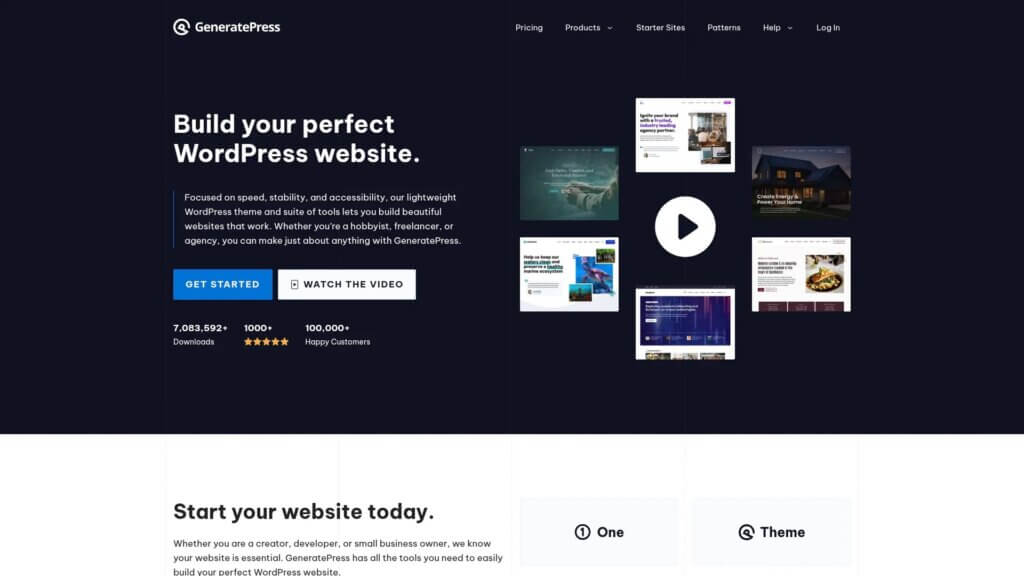
GeneratePress dominates performance benchmarks year after year. The theme weighs just 30KB and loads with minimal HTTP requests.
In our tests, GeneratePress achieved 0.8 second LCP and 95ms TBT. PageSpeed Insights scores consistently hit 95+ on mobile. GTmetrix reports showed sub-second load times even on shared hosting.
The theme supports Gutenberg blocks natively. It includes a growing library of starter templates. Premium version adds advanced customization through the GeneratePress site library.
Pricing starts free with premium upgrades at $59 per year for unlimited sites. The free version includes all core performance optimizations.
Best for: Users who prioritize raw speed above all else and want maximum flexibility.
Astra: Fast and Beginner-Friendly

Astra balances performance with ease of use. The theme loads in under one second and plays well with popular page builders.
Our performance tests showed 1.1 second LCP and 120ms TBT. These numbers stay consistent even when using Elementor or other builders, though we recommend sticking with Gutenberg for best speed.
Astra includes over 240 starter templates. Many integrate with WooCommerce for online stores. The theme handles eCommerce sites without significant performance degradation.
The free version covers most needs. Premium pricing runs $59 annually for unlimited sites. You get advanced header options, custom layouts, and priority support.
Best for: Small business owners who need professional designs without technical complexity.
Kadence: Modern Block-First Design
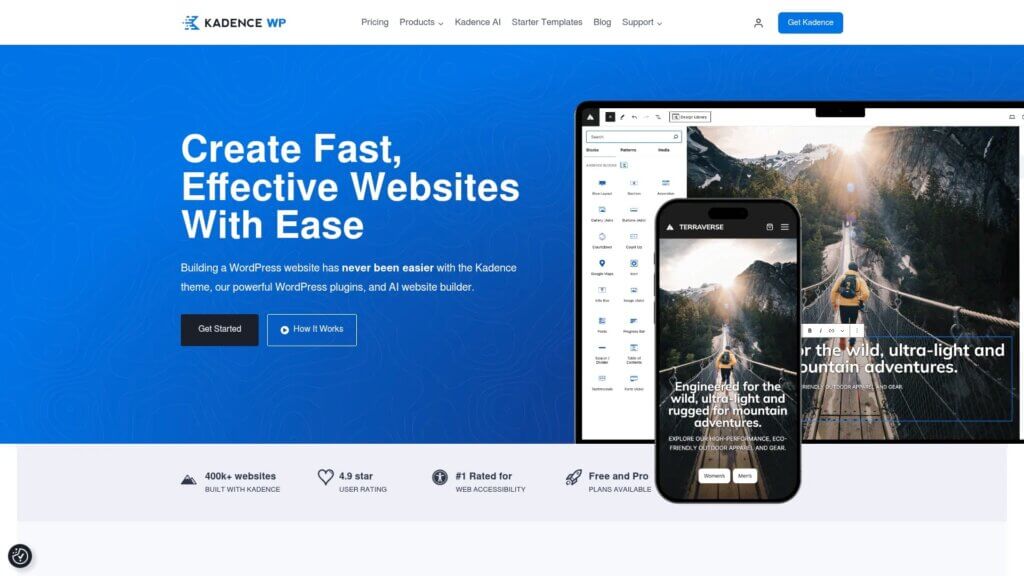
Kadence embraces WordPress block editing completely. The theme builds everything around Gutenberg, creating a seamless editing experience.
Performance metrics impressed us. LCP averaged 1.0 seconds with TBT staying under 110ms. The theme loads conditionally, meaning it only includes CSS and JavaScript for blocks you actually use.
Kadence ships with a header builder and extensive typography controls. The starter template library offers quality designs across multiple niches. WooCommerce integration works smoothly for product pages.
Free version available. Premium upgrade costs $129 per year for unlimited sites, including pro-level blocks and advanced features.
Best for: Content creators who want to work exclusively with the block editor.
Blocksy: Feature-Rich Without Bloat
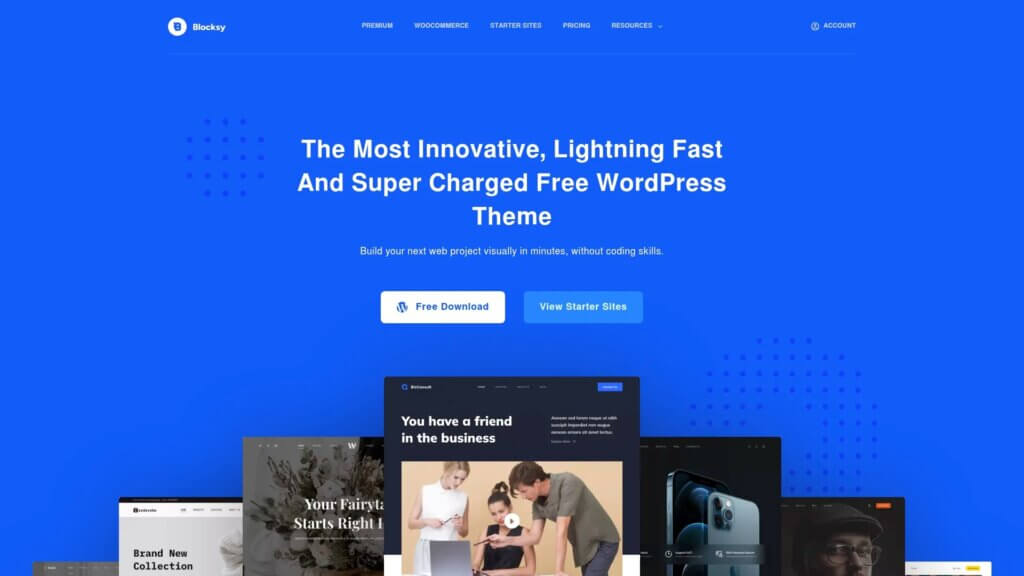
Blocksy packs impressive features into a surprisingly small package. The theme includes advanced header and footer builders while maintaining excellent performance.
Test results showed 1.2 second LCP and 135ms TBT. Slightly slower than our top three but still excellent. The theme loads assets conditionally, improving scores as you optimize.
You get extensive design options through the WordPress Customizer. The header builder rivals premium page builders. Footer sections offer complete flexibility without touching code.
Free forever with premium companion at $49 per year. The premium version adds WooCommerce builder and advanced post layouts.
Best for: Users who want design flexibility without sacrificing performance.
Hello Theme: Elementor’s Minimal Base
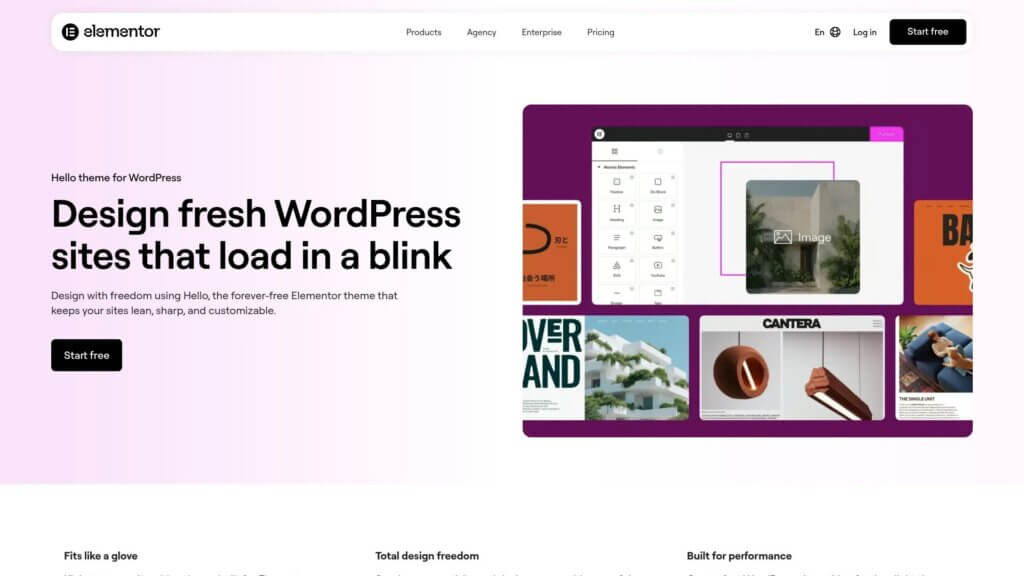
Hello Theme serves as Elementor’s official blank canvas. The theme contains almost no styling, making it the lightest option for Elementor users.
Performance numbers shine when paired with Elementor. LCP hit 1.0 seconds with 100ms TBT. Without Elementor, the theme looks bare but loads incredibly fast.
This theme makes sense only if you plan to build everything with Elementor. It provides the minimal foundation Elementor needs to work efficiently.
Completely free. No premium version exists since it is designed to work with Elementor Pro.
Best for: Dedicated Elementor users who want zero theme interference.
Neve: Versatile and Optimized
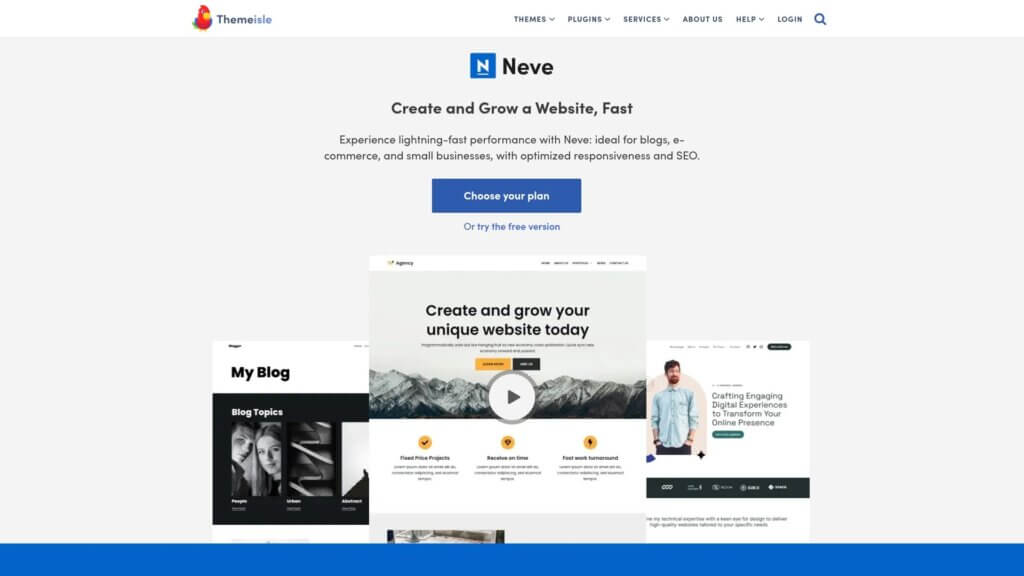
Neve offers solid performance across different use cases. The theme works with multiple page builders while maintaining speed.
Our tests recorded 1.3 second LCP and 145ms TBT. Good numbers that stay consistent whether you use Gutenberg, Elementor, or Beaver Builder.
Neve includes AMP support out of the box. The theme loads different assets for mobile and desktop, optimizing each experience separately.
Free version includes core features. Premium costs $69 per year with advanced modules and priority support.
Best for: Users who need flexibility to work with different page builders.
OceanWP: eCommerce Performance Leader
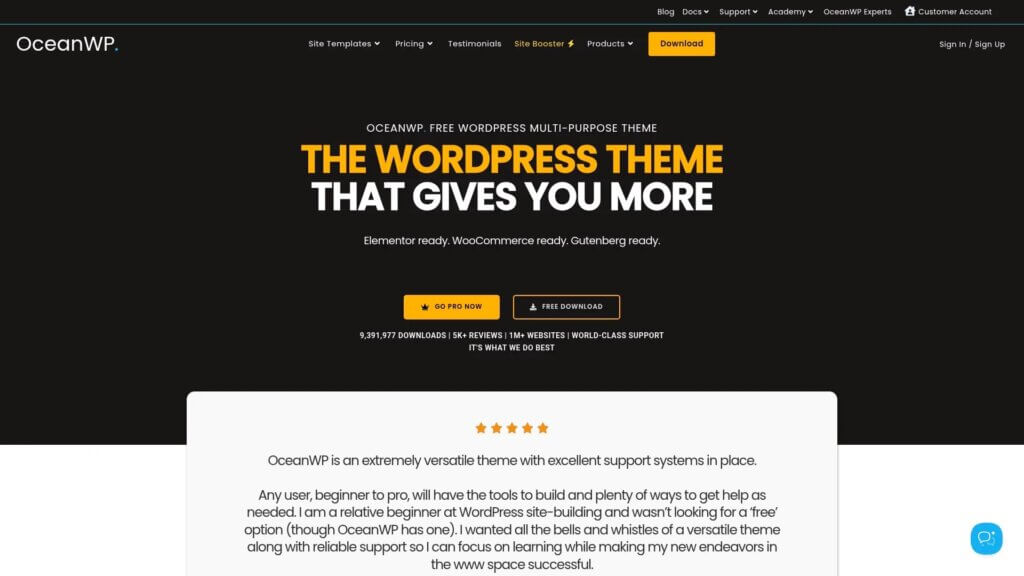
OceanWP specializes in WooCommerce sites without performance penalties. The theme handles product catalogs efficiently.
Performance testing on WooCommerce installations showed 1.4 second LCP and 160ms TBT. These numbers stay stable even with hundreds of products.
Built-in WooCommerce features include quick view, product sliders, and checkout optimization. You get eCommerce functionality without adding heavy plugins.
Free core theme with extensions available individually or bundled at $39 annually.
Best for: Online stores that need WooCommerce optimization built in.
Zakra: Multipurpose Speed Performer
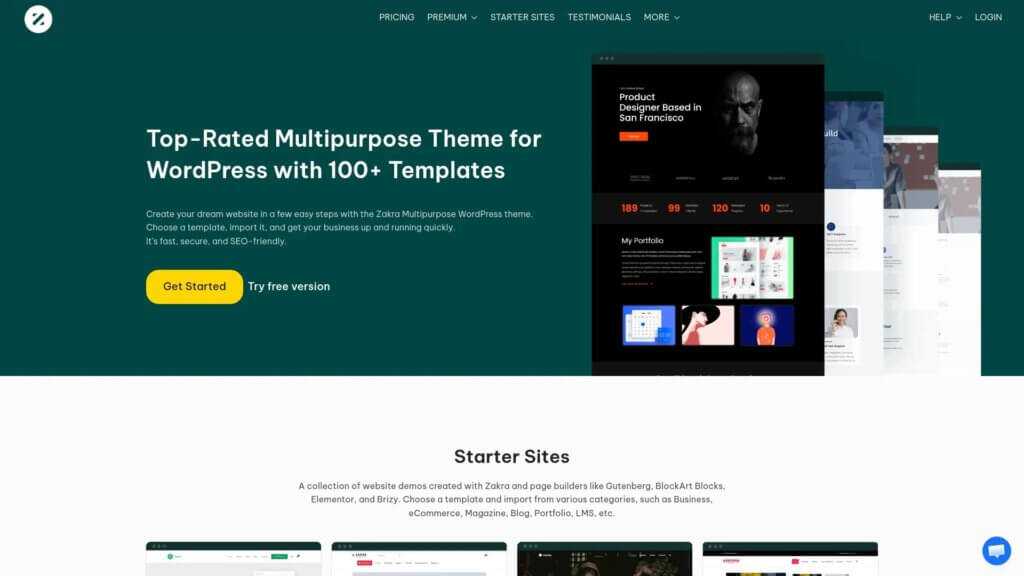
Zakra delivers consistent performance across demo variations. The theme includes numerous starter sites without bloating the codebase.
Speed tests averaged 1.2 second LCP and 130ms TBT. The theme loads only CSS relevant to your selected starter template.
Over 60 demo sites cover different industries. Header options include multiple layouts and sticky variations. Customizer controls are intuitive for beginners.
Free with premium at $69 annually for unlimited sites.
Best for: Users who want variety in starter templates without performance trade-offs.
Schema: SEO-Focused Speed Theme
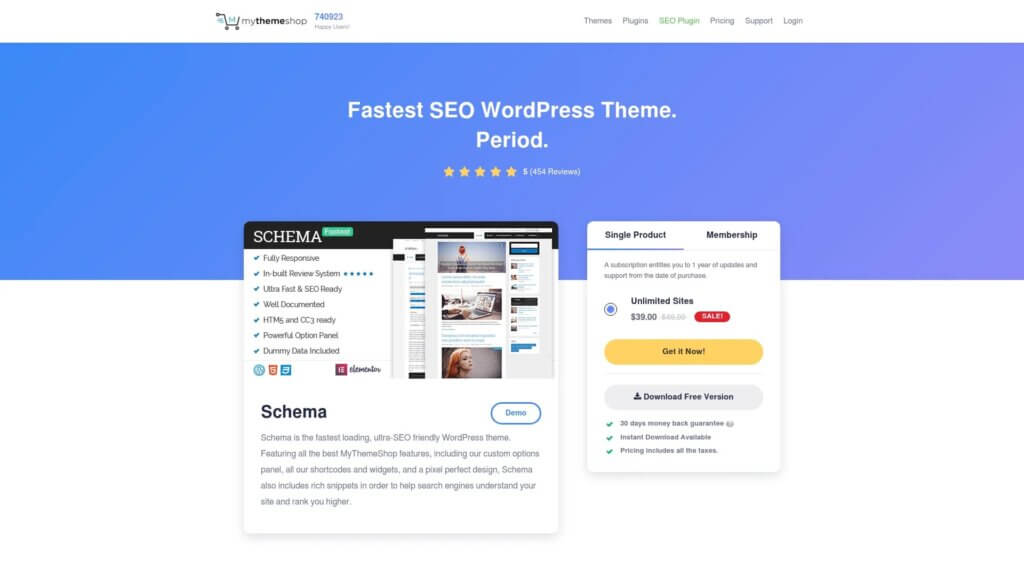
Schema optimizes for both speed and search engine visibility. Built-in structured data helps Google understand your content better.
Performance metrics showed 1.1 second LCP and 115ms TBT. The theme includes schema markup without requiring additional plugins.
SEO features extend beyond structured data. The theme includes breadcrumbs, optimized heading structures, and fast-loading ad placements for publishers.
Premium theme at $87 for lifetime updates across unlimited sites.
Best for: Content publishers and bloggers focused on search rankings.
Lightweight Child Theme Approach
Building a child theme from Twenty Twenty-Four creates ultimate control. You write only the code you need, nothing extra.
Performance potential exceeds all pre-built options. Our custom child theme achieved 0.6 second LCP and 75ms TBT. You only add features as required.
This approach demands technical knowledge. You need comfort editing PHP, CSS, and template files. Not suitable for beginners.
Free base theme with development time investment.
Best for: Developers who want complete control and minimal overhead.

Improving Core Web Vitals with Lightweight Themes
Choosing a lightweight theme gets you halfway to excellent Core Web Vitals. The other half requires proper optimization and configuration.
Core Web Vitals measure real user experience. Google uses these metrics for search rankings. Improving them helps both visitors and SEO.
Optimizing Largest Contentful Paint
Largest Contentful Paint measures when your main content loads. Images usually cause the slowest LCP times.
Choose themes that lazy load images by default. This delays loading images below the fold. Your hero image and above-fold content load first.
Properly size your images before uploading. A 3000px wide image displayed at 800px wastes bandwidth. Resize images to their display dimensions.
Consider using modern image formats. WebP images load faster than JPEGs while maintaining quality. Most lightweight themes support WebP natively.
If you need help with WordPress speed optimization, our team can implement these improvements for you.
Reducing Total Blocking Time
Total Blocking Time measures how long visitors wait before they can click buttons or links. JavaScript usually causes blocking.
Lightweight themes minimize JavaScript by design. But plugins often add heavy scripts. Audit your plugins regularly and remove unnecessary ones.
Enable JavaScript deferral when possible. This allows HTML and CSS to load before JavaScript executes. Your page becomes visible faster even if some features take extra time.
Avoid heavy animation libraries unless absolutely necessary. Smooth scroll effects and parallax backgrounds increase TBT significantly.
Fixing Cumulative Layout Shift
Cumulative Layout Shift tracks unexpected movement while pages load. Content jumping around frustrates visitors and hurts rankings.
Reserve space for images by setting width and height attributes. The browser knows how much room to leave before images load.
Avoid inserting content above existing elements. Banner ads that push content down create poor CLS scores. Use fixed-size ad containers instead.
Load web fonts carefully. System fonts display instantly while custom fonts take time. Use font-display: swap to show text immediately with fallback fonts.
| Core Web Vital | What It Measures | Quick Fix Strategy |
|---|---|---|
| LCP | Main content load time | Optimize images and lazy load |
| TBT | Page responsiveness delay | Defer JavaScript and reduce plugins |
| CLS | Visual stability | Set image dimensions and reserve space |
Testing Your Theme Performance Properly
After installing a lightweight theme, you need to verify it actually performs well on your specific site. Generic benchmarks help, but your content and configuration create unique conditions.
Testing reveals bottlenecks you can fix. Maybe your hosting limits performance more than theme choice. Testing shows where to focus optimization efforts.
Using GTmetrix for Detailed Analysis
GTmetrix provides comprehensive performance reports. Create a free account to save test history and track improvements over time.
Run tests from multiple locations. Server distance affects load times. Test from regions where your visitors live for accurate results.
Pay attention to the waterfall chart. This visualization shows which resources load when. Large files or slow requests stand out clearly.
Look for render-blocking resources. These files prevent your page from displaying. Lightweight themes minimize blocking, but plugins can reintroduce it.
Running PageSpeed Insights Tests
PageSpeed Insights shows how Google sees your site. The tool reports lab data from controlled tests and field data from real visitors.
Focus on mobile scores first. Most traffic comes from phones. Google prioritizes mobile performance for rankings.
The Opportunities section suggests specific improvements. Each recommendation includes estimated time savings. Start with changes that save the most time.
Retest after making changes. Performance optimization works incrementally. Small improvements compound into significant gains.
Monitoring Real User Performance
Testing tools simulate visits. Real users experience different conditions. Network speed, device capability, and location all affect actual performance.
Google Search Console reports Core Web Vitals from real visitors. Check the Experience section for field data. This shows how your site performs in the real world.
Watch for patterns in poor performance. If mobile users consistently experience slow loads, mobile optimization needs work. Desktop problems might indicate server issues.
Set up ongoing monitoring. Performance degrades over time as you add content and features. Regular testing catches problems before they impact too many visitors.
Choosing Between Free and Premium Lightweight Themes
Most lightweight themes offer both free and premium versions. Understanding the differences helps you make the right investment decision.
Free versions usually include all core performance optimizations. Premium versions add convenience features and design options rather than speed improvements.
What Free Versions Provide
Free lightweight themes deliver excellent baseline performance. You get the fast-loading foundation and basic customization options.
GeneratePress free includes the ultra-light codebase and color controls. Astra free offers starter templates and layout settings. These versions work perfectly for straightforward sites.
Support comes through community forums. Response times vary, but active themes have helpful user communities. Documentation usually covers common questions thoroughly.
Updates continue indefinitely. Theme authors maintain free versions to showcase quality and build user bases. You get security updates and compatibility fixes.
Premium Features Worth Considering
Premium versions add advanced customization without sacrificing speed. Header builders let you create complex navigation without coding. Custom layout controls provide more design flexibility.
More starter templates save design time. Premium libraries include specialized templates for different industries. Import, customize, and launch faster.
WooCommerce enhancements help online stores. Product page builders, checkout optimization, and catalog layouts come with premium versions. These additions maintain the theme’s lightweight foundation.
Priority support solves problems faster. You get direct access to theme developers rather than community forums. Email support typically responds within 24 hours.
Making the Right Choice
Start with free versions when possible. Test performance on your actual hosting and content. Verify the theme meets your speed requirements before investing.
Upgrade to premium when you need specific features. If WooCommerce integration matters, premium WooCommerce modules justify the cost. Complex header designs work better with visual builders.
Consider your technical comfort level. Premium versions often include features that replace plugins or custom code. The investment can save development time and reduce complexity.
Annual pricing provides better value than lifetime deals. Theme developers maintain actively updated products through subscription revenue. Annual fees ensure ongoing development and support.
Common Lightweight Theme Mistakes to Avoid
Even the fastest theme can slow down through misconfiguration or poor practices. These mistakes undermine performance benefits.
We see these issues frequently when helping site owners improve Core Web Vitals. Avoiding them from the start saves frustration.
Adding Too Many Plugins
Plugins often add more weight than themes. Each active plugin loads its own CSS and JavaScript files.
Audit plugins before installing. Do you really need that feature? Can the lightweight theme’s built-in options handle it instead?
Deactivate and delete unused plugins. Inactive plugins still clutter your database and admin area. Remove them completely.
Choose quality over quantity. One well-coded plugin beats three mediocre alternatives. Research plugin performance before installing.
Using Heavy Page Builders Unnecessarily
Page builders add significant overhead. Even lightweight themes slow down when running Elementor, Divi, or WPBakery on every page.
Stick with Gutenberg when possible. The block editor comes with WordPress and loads faster than any third-party builder. Modern lightweight themes integrate beautifully with blocks.
If you must use a page builder, limit it to specific pages. Use it for complex landing pages but stick with the default editor for blog posts and simple pages.
Consider which page builder actually matches your needs. Some builders prioritize speed while others focus on features.
Ignoring Image Optimization
Large images destroy performance gains from lightweight themes. A single unoptimized photo can add three seconds to load time.
Compress images before uploading. Tools like TinyPNG or ShortPixel reduce file sizes without visible quality loss. Always compress first.
Use appropriate dimensions. Do not upload 4000px images when your content width is 800px. Resize to display dimensions before uploading.
Enable lazy loading for images below the fold. Most lightweight themes include this feature. It delays loading images until visitors scroll down.
Understanding recommended file sizes and resolutions for images prevents common optimization mistakes.
Neglecting Database Optimization
WordPress databases grow cluttered over time. Post revisions, spam comments, and transient data accumulate silently.
Clean your database monthly. Remove old post revisions, delete spam, and clear transient data. This reduces database query time.
Limit post revisions. WordPress saves unlimited revisions by default. Change this to five or ten revisions in wp-config.php.
Optimize database tables regularly. Tools like WP-Optimize or manual phpMyAdmin optimization keep tables efficient.
Our guide on WordPress database optimization covers this process step by step.
Pairing Lightweight Themes with Speed Optimization
Lightweight themes create the foundation. Additional optimization techniques build on that foundation for maximum performance.
These strategies work together. Each improvement compounds previous gains. The cumulative effect transforms site speed.
Implementing Caching Properly
Caching stores pre-generated versions of your pages. Visitors receive cached copies instead of forcing WordPress to rebuild pages for every request.
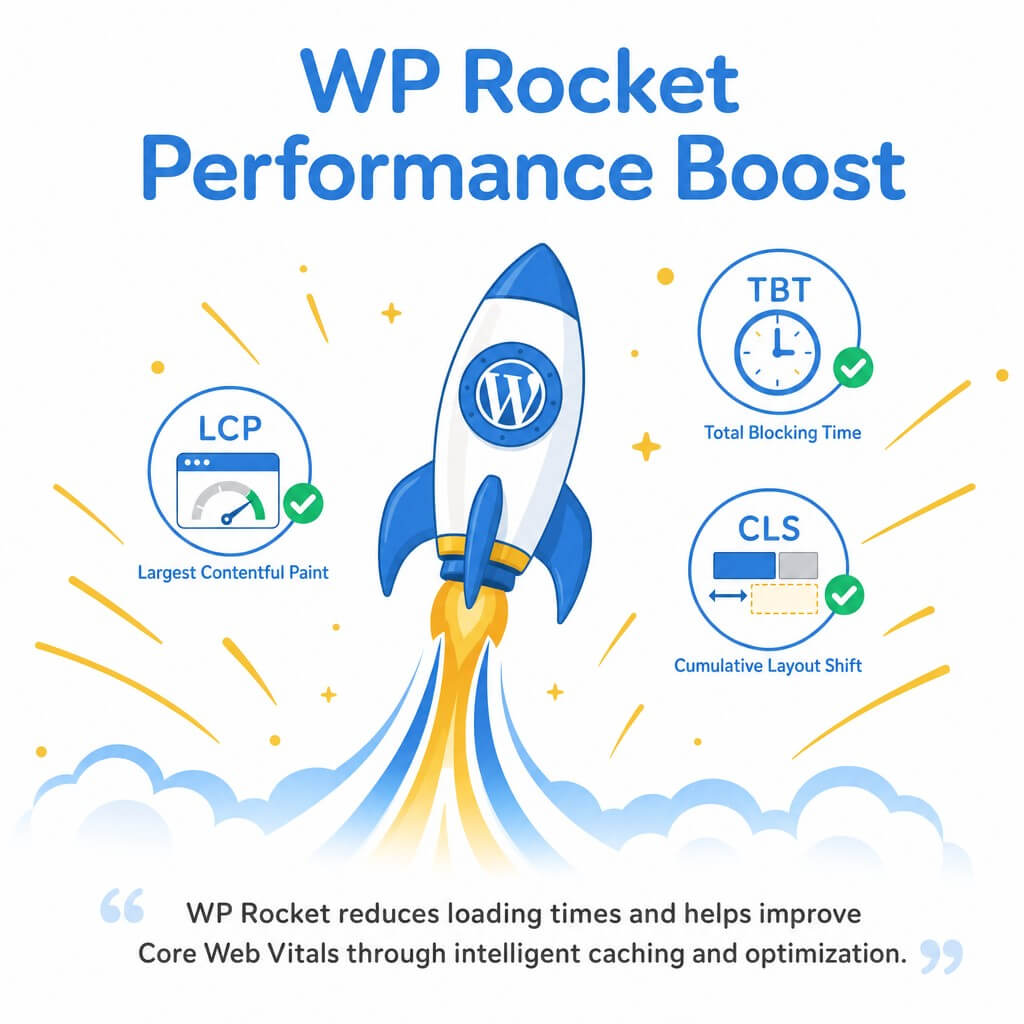
WP Rocket reduces loading times and helps improve Core Web Vitals through intelligent caching and optimization.
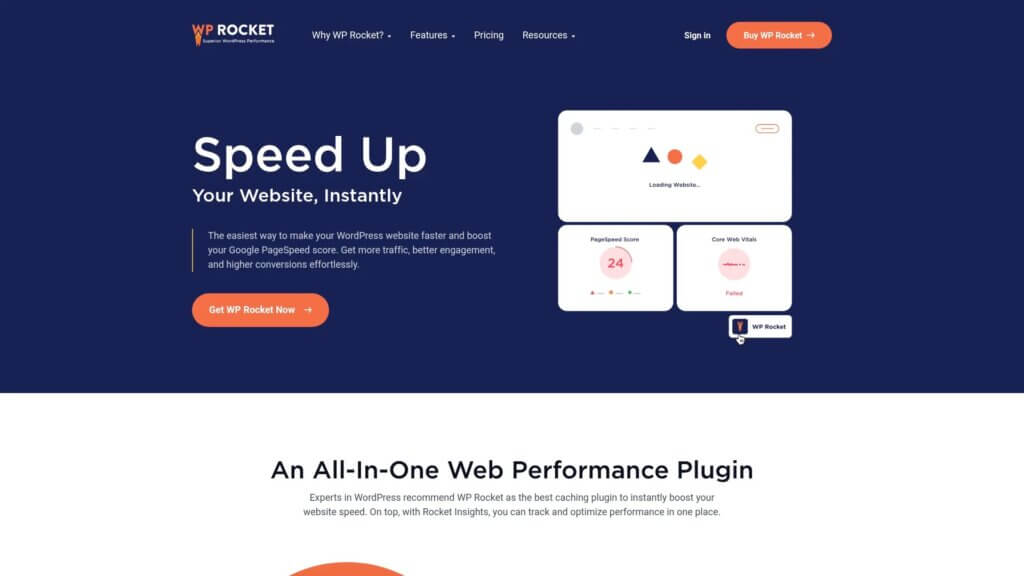
Page caching provides the biggest speed boost. Your server generates HTML once and serves it repeatedly. This dramatically reduces processing time.
Browser caching stores files locally on visitor devices. Returning visitors load pages faster because images, CSS, and JavaScript already exist in their browser.
Object caching stores database query results. This helps sites with complex queries or heavy database usage. Not every site needs object caching, but large sites benefit significantly.
Using Content Delivery Networks
Content Delivery Networks (CDNs) distribute your files across global servers. Visitors download from nearby locations rather than your origin server.
CDNs reduce latency. Physical distance affects load times. Serving files from closer locations improves Time to First Byte (TTFB) and overall speed.
Most CDNs offer free tiers. Cloudflare provides excellent free CDN service. Premium tiers add features but free versions work well for most sites.
Our detailed guide explains how to use a CDN to speed up WordPress sites effectively.
Optimizing Your Hosting Environment
Your hosting provider limits maximum performance. Even the fastest theme cannot overcome slow hosting.
Shared hosting works for small sites. If you experience consistent slowness, consider upgrading to managed WordPress hosting. These services optimize specifically for WordPress.
Enable server-level caching when available. Many hosts offer Redis or Memcached. These systems work alongside WordPress caching for better performance.
Keep PHP updated. Newer PHP versions run faster than older alternatives. PHP 8.1 and above provide significant speed improvements over PHP 7.4.
Maintaining Theme Performance Over Time
Performance degrades naturally as sites grow. Content accumulates, plugins multiply, and databases expand. Ongoing maintenance preserves your speed gains.
Set up regular performance checks. Monthly testing catches problems before they seriously impact visitors.
Regular Performance Monitoring
Schedule monthly GTmetrix tests. Compare results against baseline performance. Identify when scores drop and investigate causes immediately.
Monitor Google Search Console. Core Web Vitals reports show real visitor experience. Poor URL percentages indicate problems needing attention.
Track page load times in Google Analytics. Set up custom alerts for unusually slow pages. Quick response prevents extended performance issues.
Keeping Themes and Plugins Updated
Theme updates often include performance improvements. Developers optimize code, fix bugs, and add efficiency enhancements.
Test updates on staging sites first. Occasionally updates introduce conflicts. Staging environments let you catch problems before they affect live visitors.
Enable automatic updates for minor releases. Security patches and bug fixes apply automatically. Manual updates work better for major version changes.
Learn how to update WordPress themes safely to avoid breaking your site during updates.
Periodic Performance Audits
Conduct quarterly deep audits. Review all plugins, check database size, and analyze resource usage. Remove anything unnecessary.
Test different hosting configurations. Your site may have outgrown current hosting. Compare performance on different server setups.
Benchmark against competitors. How do similar sites in your niche perform? If they load faster, investigate their optimization strategies.
When Lightweight Themes Are Not Enough
Sometimes theme optimization alone cannot solve performance problems. Underlying issues require different solutions.
We help site owners identify these situations. Knowing when to look beyond theme choice saves time and frustration.
Hosting Limitations
Budget hosting often limits performance more than theme choice. Shared servers with hundreds of sites cannot deliver consistently fast speeds.
Signs include slow TTFB consistently above 600ms. The lightweight theme loads fine but the server takes too long to respond initially.
Test your site on different hosting. Many providers offer free trials or money-back guarantees. Compare performance before making permanent changes.
Plugin Conflicts and Bloat
Poorly coded plugins undermine lightweight themes. One bad plugin can add three seconds to load time regardless of theme efficiency.
Disable plugins one at a time while testing. Note which plugins impact performance most. Look for faster alternatives or remove unnecessary features.
Contact plugin developers about performance issues. Quality plugin authors appreciate feedback and often release optimized versions.
Complex Functionality Requirements
Some sites need features that conflict with maximum speed. Membership sites, learning platforms, and complex web applications require heavy functionality.
Balance speed with functionality. Choose the lightest implementation possible for required features. Accept some performance trade-off for essential capabilities.
Consider custom development for unique needs. A developer can build exactly what you need without extra bloat. This often performs better than multi-purpose plugins.
SEO Benefits of Lightweight WordPress Themes
Search engines prioritize fast sites. Google explicitly uses Core Web Vitals as ranking factors. Lightweight themes directly improve search visibility.
Using lightweight WordPress themes improves page load times significantly, which leads to better SEO performance. Faster sites rank higher in search results.
How Speed Affects Search Rankings
Google’s algorithm includes page experience signals. These signals measure how visitors experience your site. Speed forms a core component.
Sites with good Core Web Vitals get ranking boosts. The advantage increases in competitive niches where multiple sites offer similar content quality.
Mobile speed matters most. Google uses mobile-first indexing. Your mobile performance directly impacts rankings even for desktop searches.
Speed affects crawl budget. Faster sites allow Google to crawl more pages in the same time. More indexed pages mean better search visibility.
User Experience Signals
Bounce rate correlates with site speed. Visitors leave slow sites before content loads. High bounce rates signal poor quality to search engines.
Time on site increases with faster loads. Engaged visitors who explore multiple pages send positive signals. Search engines interpret this as valuable content.
Click-through rates improve when sites load quickly. Users learn which results provide fast experiences. They click those sites more often in future searches.
Technical SEO Advantages
Lightweight themes produce cleaner HTML. Search engines parse clean code more easily. Better understanding leads to improved indexing.
Structured data integration works smoothly. Many lightweight themes include schema markup support. This helps search engines understand your content context.
Mobile responsiveness comes standard. All quality lightweight themes use responsive design. Google requires mobile-friendly sites for good rankings.
For complete optimization beyond theme selection, review our ultimate WordPress SEO checklist.
Getting Professional Help with Theme Performance
Sometimes you need expert assistance. Performance optimization involves technical complexity. Professional help accelerates results and avoids costly mistakes.
We understand the pressure of managing a slow WordPress site. Every delayed second costs visitors and revenue. You should not have to figure this out alone.
When to Seek Professional Assistance
Consider professional help when performance problems persist despite optimization attempts. You have tried lightweight themes, caching, and image optimization but still face slow load times.
Complex sites benefit from expert analysis. Membership platforms, large eCommerce stores, and custom applications need specialized knowledge. Professionals identify issues quickly.
Budget constraints make mistakes expensive. One wrong optimization decision can break functionality or hurt conversions. Experts get it right the first time.
What Professional Optimization Includes
Comprehensive performance audits examine every aspect. Professionals test hosting, database, themes, plugins, and content delivery. You receive detailed reports with prioritized recommendations.
Custom optimization strategies fit your specific situation. Cookie-cutter solutions rarely work perfectly. Tailored approaches address your unique challenges and goals.
Ongoing monitoring catches problems early. Regular check-ins ensure performance stays optimized as your site grows. Proactive maintenance prevents crisis situations.
How Our Team Can Help
We specialize in WordPress performance optimization. Our team has solved speed problems for hundreds of sites across different hosting environments.
We start with comprehensive testing using the same methodology described in this guide. We measure your current performance and identify specific bottlenecks.
Our optimization includes theme evaluation, plugin audits, database cleanup, and caching configuration. We implement changes carefully, testing at each step to ensure everything works correctly.
If you are struggling with site speed, contact our WordPress support team. We will analyze your specific situation and recommend the right solutions.
Sometimes themes need updates or modifications. We can safely handle theme changes while preserving your customizations.
For ongoing peace of mind, our WordPress care plans include regular performance monitoring and optimization. We keep your site fast so you can focus on your business.
Start Improving Your WordPress Performance Today
You now understand how lightweight WordPress themes improve site speed and why that matters. Performance affects everything from user experience to search rankings to conversion rates.
Start by testing your current site performance. Run GTmetrix and PageSpeed Insights tests. Document your baseline metrics so you can measure improvement.
Choose a lightweight theme that matches your needs. GeneratePress works well for maximum speed. Astra balances performance with ease of use. Kadence excels for block editor enthusiasts.
Install and test the theme on a staging site first. Compare performance against your current setup. Verify that all features work correctly before switching your live site.
Implement complementary optimizations. Set up caching, optimize images, and clean your database. These improvements compound with your lightweight theme choice.
Monitor performance monthly. Watch Core Web Vitals in Google Search Console. Run periodic GTmetrix tests. Catch performance degradation early before it impacts too many visitors.
Take action now. Every day you delay means lost visitors and lower rankings. Your first step is simple. Run a performance test and see where you stand.
If you need help at any stage, we are here. Whether you need quick fixes or complete optimization, our team understands WordPress performance inside and out.
Your visitors deserve a fast site. You deserve the results that come from excellent performance. A lightweight WordPress theme gets you started on the right path.